EasyBCD 2.0.2.117
EasyBCD will let you take control over your Windows bootloader
 Download
Program info
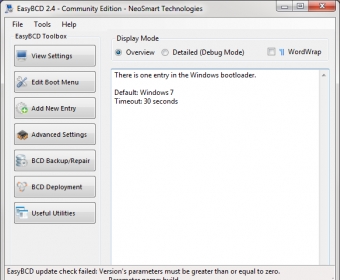
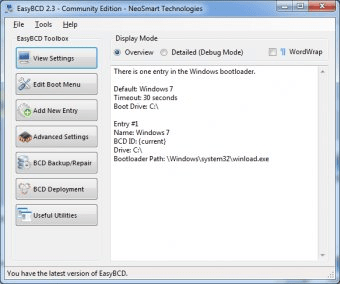
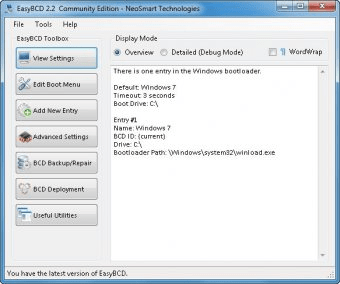
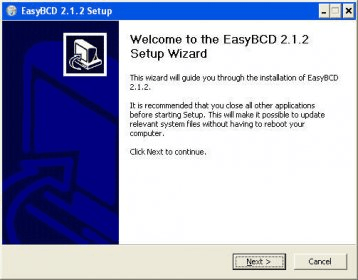
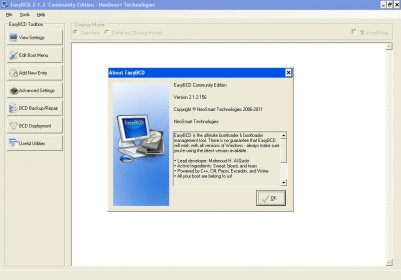

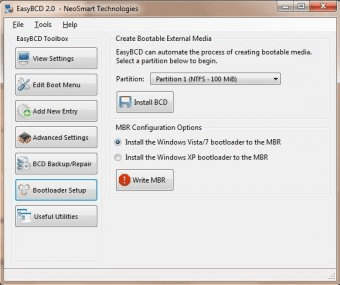
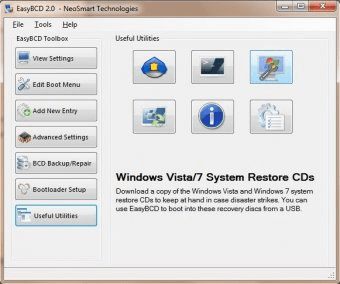
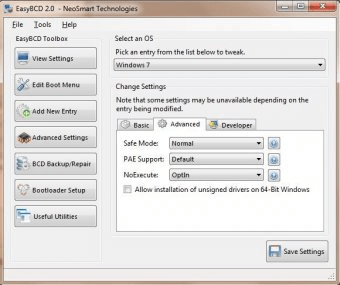
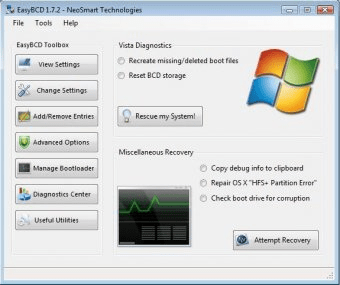
EasyBCD is a program that will let you take control over your Windows bootloader. This application will allow you to have and use several operating systems in one PC. To be more accurate, you will be enabled to create multiple or dual boot profiles, and thus boot into Windows XP, Vista, 7, and even Linux and Mac OS X. Also using this program you will be able to create bootable USB devices, boot from those devices and ISO images, as well as from virtual hard disks and network paths.
The program is free and rather easy to use (not for the beginners, of course). It provides you with lots of adjustable options and useful utilities. For example, it will provide you with quick access to the command-line shell, system restore and control panels, also the program includes the iReboot utility that will let you boot into another OS quickly and easily.
The new 2.0.2 version fixes a bug with adding multiple WIM entries, and has an improved boot.ini partition detection. EasyBCD may be downloaded and installed on any OS, but it will start working only under Windows 7 or Vista.
Pros
- Fast
- Easy to use
Cons
- None

Related software

Set of tools that help you keep a clean and fast system.

Restores Windows OS, passwords and files in case of a boot failure.

isual BCD Editor is an advanced GUI version of Windows bcdedit utility.
Related stories
See all
Microsoft gradually turns Edge into an AI browser with all the bells and whistles. Read on to learn what's already under the hood and what's coming.
Feels like migration to Windows 11 in imminent; here are some tools that allow debloating and optimizing it before installation.
Here are some Windows 11 enhancements tools (PowerToys, Windhawk, Flyoobe, Winaero Tweaker, UWT) for ultimate customization and control post-installation.